
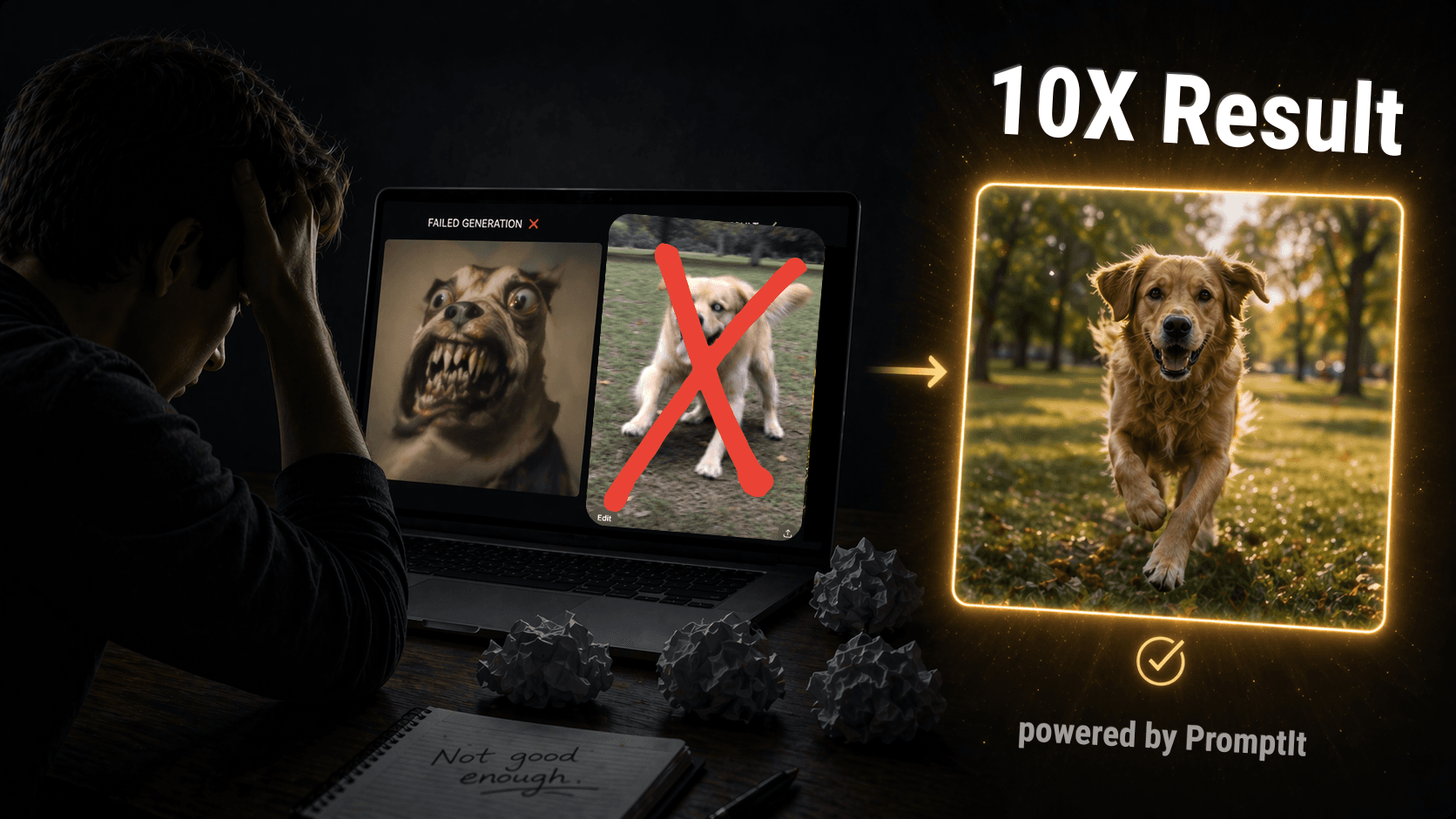
Most people using an AI image generator type something short — like "a woman at a beach" — and wonder why the result looks generic. The AI is not broken. The prompt is just incomplete.
This guide gives you 10 free AI image prompts you can copy and paste right now, plus the simple formula behind them so you can write your own. Works for ChatGPT (used by most people), Midjourney, and Google Gemini.
What are good prompts for AI image generators?
A good AI image generator prompt always covers six things: subject, style, lighting, composition, atmosphere, and quality. Most people only write the subject. The AI fills the other five with its best guess — and that is where the image goes wrong.
| Element | What it controls | If you skip it, AI defaults to... |
|---|---|---|
| Subject | Who or what is in the image | The most generic version of your subject |
| Style | Photo, illustration, painting, 3D | Photorealistic |
| Lighting | Mood, warmth, depth | Flat midday lighting |
| Composition | Camera angle, distance, framing | Eye-level, centred, medium shot |
| Atmosphere | Time of day, weather, emotion | Neutral, bright, daytime |
| Quality | Sharpness and detail level | Medium quality |
The most common prompt mistake
Most people write one or two words and wonder why the image is wrong. Here's what that looks like — and what the fixed version looks like side by side.
The wrong prompt leaves 5 of 6 variables undefined. The AI guesses every one of them. That is why you end up rewriting 10 times.
10 free AI image prompts — copy and paste
These work in ChatGPT, Midjourney, and Gemini. Copy the prompt, paste it in, generate. For Midjourney, add --ar 4:5 --v 6 at the end.

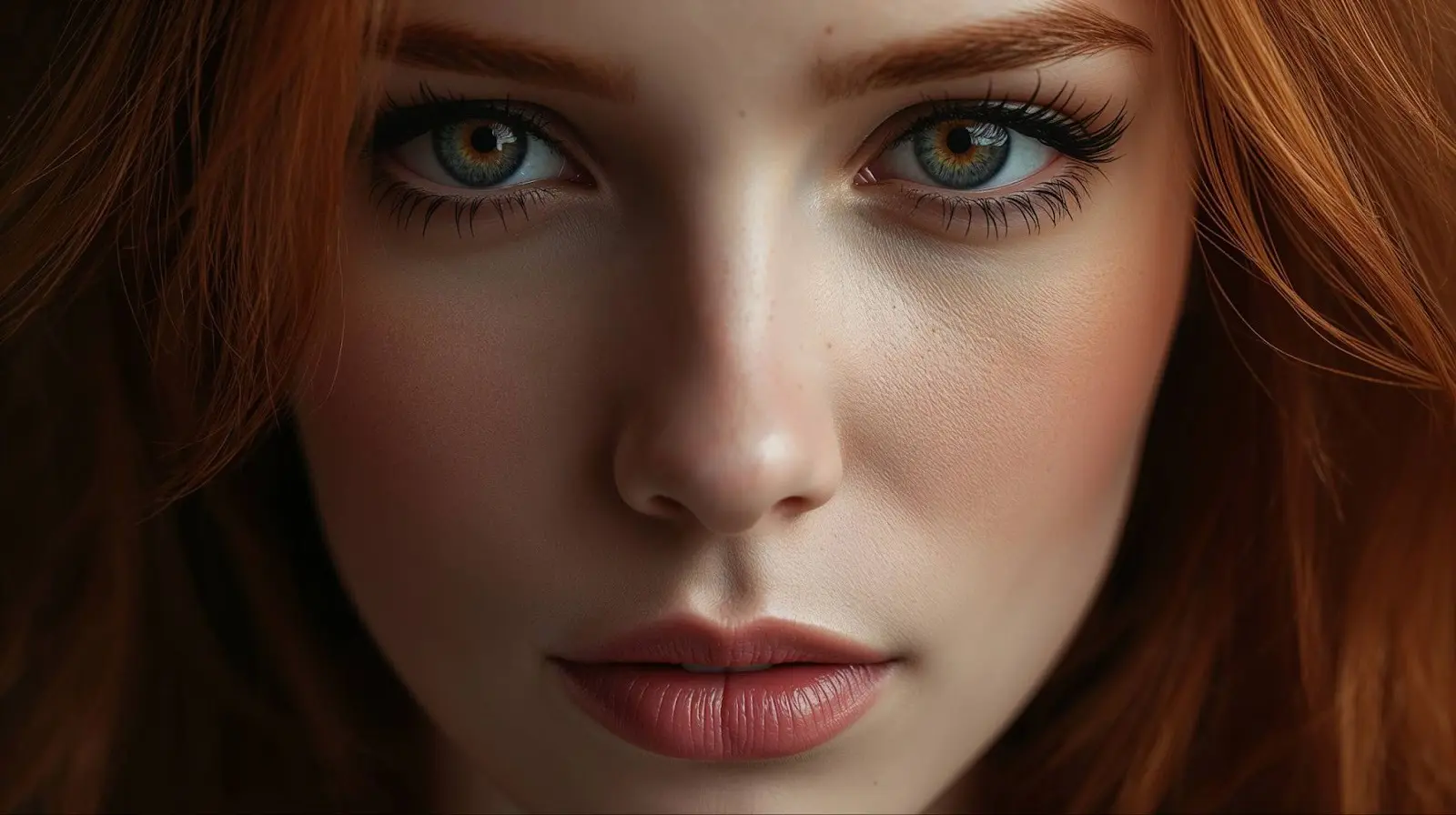
4. Social media lifestyle — men
Young man working on a laptop at a sunlit cafe, golden afternoon light through large windows, relaxed focus, warm tones, editorial lifestyle photography, shallow depth of field
5. Product photo (e-commerce)
Minimalist skincare serum bottle, frosted glass, pale sage green liquid, white marble surface, soft window light from the left, luxury beauty product photography, ultra sharp, commercial quality, white background
6. Food photography
Overhead close-up of a bowl of ramen, rich dark broth, soft-boiled egg halved, spring onions, sesame seeds, steam rising gently, dark moody wooden background, food photography, f/2.8 bokeh, ultra-detailed
7. Home interior (real estate / decor)
Minimalist Scandinavian living room, warm afternoon light through linen curtains, oak floor, white sofa with linen cushions, single potted fiddle leaf fig, no people, editorial interior photography, 8K
8. Aesthetic flat lay (content creation)
Overhead flat lay on a white desk: open notebook, coffee cup, small succulent plant, gold pen, natural daylight from the left, minimal clean aesthetic, sharp focus, ultra-detailed
9. Portrait — men (LinkedIn / headshot)
Confident man in his early 40s, navy blazer, relaxed expression, bright airy studio, clean off-white background, 85mm portrait lens, shallow depth of field, editorial photography, ultra-detailed
10. Abstract brand background
Abstract flowing shapes in deep navy and soft gold, smooth gradient texture, minimal luxury brand visual, clean dark background, high resolution, commercial design quality, 8K
AI image prompt template (fill in the blanks)
If you would rather build your own than copy one of the ten above, use this AI image generation prompt template. Replace each bracket and delete anything you do not need.
[SUBJECT with 2-3 specific details], [STYLE: photograph / oil painting / 3D render / flat illustration], [LIGHTING: golden hour / soft studio light / overcast / neon], [COMPOSITION: close-up / wide shot / eye-level / low angle], [ATMOSPHERE: time of day, weather, mood], [QUALITY: ultra-detailed, sharp focus, 8K]
Worked example, filled in:
A silver-haired woman laughing in a bookshop aisle, documentary photograph, warm window light from the left, medium close-up at eye level, quiet weekday afternoon, ultra-detailed, sharp focus, 8K
Template variants by image type
| You want | Swap in |
|---|---|
| Product shot | Studio lighting, seamless white background, 50mm lens, centred, commercial product photography |
| Professional headshot | Soft key light, blurred office background, 85mm lens, shallow depth of field, shoulders-up |
| Landscape | Golden hour, wide-angle, foreground interest, atmospheric haze, landscape photography |
| Logo or icon | Flat vector, two colours, solid background, centred, minimal, no text |
| Social media post | Vertical 4:5, bold colours, high contrast, copy space at the top |
How to prompt AI for images: step by step
Follow these five steps every time you use any AI image generator:
- Start specific — not "a woman" but "a confident woman in her 30s, dark blazer, looking directly at camera"
- Pick a style — editorial photography, watercolour illustration, Studio Ghibli, flat vector — this changes everything
- Name the lighting — golden hour, soft studio light, overcast diffused — lighting is the #1 thing that makes AI images look real or fake
- Add composition and quality — 85mm lens, shallow depth of field, ultra-detailed, 8K
- One sentence of atmosphere — early morning, warm and calm, moody and dramatic — one phrase is enough
For ChatGPT specifically: once you generate, just type what is wrong in plain English — "make the lighting warmer", "add a forest background", "make her look older". No need to rewrite the full prompt.
How to write better prompts for AI image generation
The single biggest improvement: always specify the lighting. It is the most commonly skipped variable and the main reason AI images look flat and obviously artificial. Add just one lighting phrase — golden hour, soft window light from the left, overcast diffused — and the image immediately feels real.
- Be specific, not vague — "woman in her early 30s, short dark hair, white linen shirt" beats "a woman" every time
- One subject per prompt — asking for three people doing different things confuses the model
- Always describe the background — even "clean white background" beats leaving it unspecified
- Add a colour direction — "warm amber tones", "cool desaturated palette", "pastel" shapes the whole mood instantly
- Use photography terms — "85mm lens", "shallow depth of field", "f/1.8 bokeh" — AI image models understand these exactly as a photographer would
Which AI is best for image prompts?
For most people: ChatGPT. It is free to start, easy to use, and you can fix images by just typing what is wrong. If you want higher artistic quality and are willing to learn a few parameters, Midjourney is the professional standard.
| AI Tool | Best for | Free? | Ease of use |
|---|---|---|---|
| **ChatGPT (DALL-E 3)** | Everyone — edit images in plain English | Yes (limited) | Very easy |
| **Google Gemini** | Product shots, text in images, Google Workspace | Yes (limited) | Very easy |
| **Midjourney** | Designers, photographers — highest quality output | No (from $10/mo) | Medium |
| **Adobe Firefly** | Commercial-safe images, Creative Cloud users | Yes (limited) | Easy |
Start with ChatGPT. Move to Midjourney only when you want professional-grade creative output.
Why does my AI image look wrong? Quick fixes
| Problem | Cause | Fix |
|---|---|---|
| Looks flat and fake | No lighting specified | Add: golden hour / soft studio light / rim lighting |
| Background is random | Background not described | Describe it — even white background beats nothing |
| Colours feel off | No colour direction given | Add: warm amber tone / cool desaturated / pastel |
| Wrong style | Defaulted to photorealistic | Add: watercolour / flat illustration / Studio Ghibli |
| Subject looks generic | Too vague a description | Add age, clothing, expression, body position |
| Too much going on | Prompt asked for too much | One subject per prompt — simplify everything else |
Get AI image prompts instantly with PromptItIn
The formula above works — but writing a full prompt for every image takes time. PromptItIn has ready-made AI image prompt templates for ChatGPT, Midjourney, and Gemini. Each template pre-fills the 6-variable structure — you just fill in the specifics. Complete, optimised prompt in 30 seconds, free, no account needed.