PromptItIn logoPromptItIn
Contents
  1. The five parts
  2. Prompts to copy
  3. Which model for what
  4. Fixing a messy clip
Video Prompts

How to Write AI Video Prompts for Veo, Sora and Kling

The five-part structure for AI video prompts: subject, action, camera, light and sound. With copy-paste prompts for Veo 3.1, Sora 2 and Kling and fixes for messy clips.

PromptItIn team

6 min read · Updated

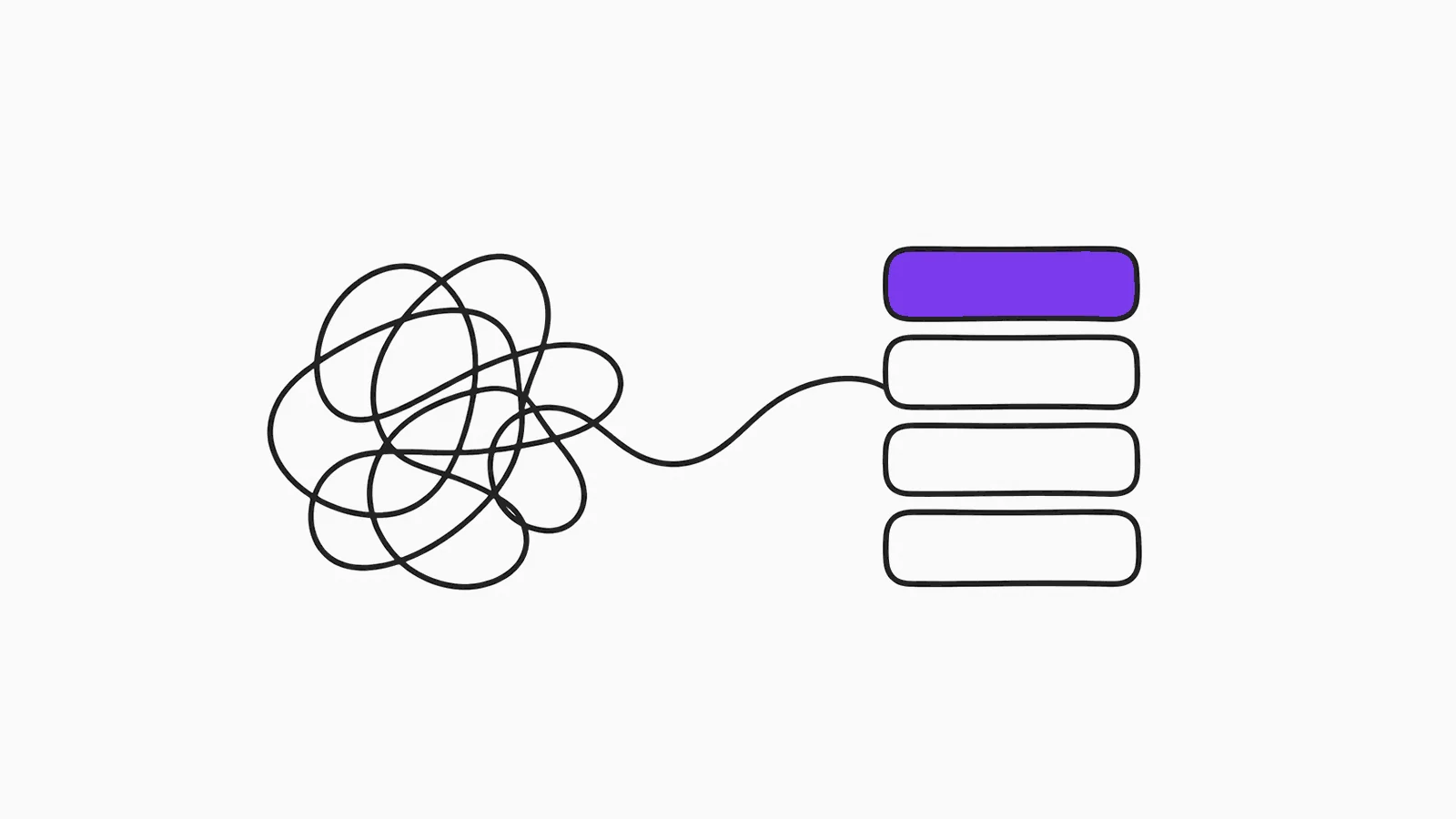
A tangled scribble turning into a neat stack of blocks
AI video prompts for Veo, Sora and Kling

A video prompt is a shot description, not a story. Veo, Sora and Kling make one short clip at a time, and they follow a prompt best when it reads like a single line from a shot list.

The five parts

PartExample
SubjectA lone white lighthouse on a black rock
ActionHuge waves crash and spray into the air
CameraSlow dolly push-in over 8 seconds
LightCold blue moonlight, flashes of lightning
SoundRoaring waves, heavy rain, distant thunder

Give the camera move a speed or duration. "Slow push-in over 8 seconds" works; "cinematic camera" doesn't tell the model anything.

What most people write

A cool cinematic video of a lighthouse in a storm with lots of camera movement.

What actually works

Wide shot of a lone white lighthouse on a black rock at night in a violent storm. Waves crash and spray into the air, the beam sweeps across the frame. Camera: slow dolly push-in over 8 seconds. Cold blue moonlight with flashes of lightning. Sound: roaring waves, heavy rain, distant thunder.

Prompts to copy

Product reveal (Veo 3.1)

A glass perfume bottle with pale pink liquid on a round mirror plinth against a soft beige backdrop. Camera: slow 360-degree orbit around the bottle over 8 seconds. A soft light moves so highlights glide over the glass. Tiny dust sparkles in the air. Sound: soft ambient pad. Vertical 9:16.

Talking to camera (Veo 3.1 or Sora 2)

A friendly man in his late 20s with a short beard sits at a café table and talks to the camera with natural hand gestures. He says: "Here are three AI tools I use every single day." Café blurred behind, soft window light. Camera: static selfie-style framing at eye level. Sound: his voice clear and close, soft café ambience. Vertical 9:16.

Put spoken lines in quotes after "says:". Veo 3.1 and Sora 2 lip-sync them.

Browse [cinematic](/video-prompts/cinematic), [product](/video-prompts/product-video), [Reels and TikTok](/video-prompts/social-video) and [nature](/video-prompts/nature) video prompts, or describe your own clip in the [Video Prompt Generator](/video-prompt-generator).

Which model for what

  • Veo 3.1: cinematic shots with sound and dialogue. See Veo 3.1 prompts.
  • Sora 2: realistic motion, POV and handheld social clips. See Sora 2 prompts.
  • Kling: people moving, dance, and turning a still image into a clip. See Kling prompts.

Fixing a messy clip

  • Too much happening: cut to one subject and one action.
  • Camera jumps around: name one move only.
  • Wrong product or face: start from your own image as the first frame.
  • Bad audio: add a "Sound:" line that lists sounds in the order they happen.

Frequently asked questions

How long should a video prompt be?

Around 50 to 120 words. Enough to cover subject, action, camera, light and sound, but only one shot.

Can I make a longer video?

Make several short clips, one prompt each, and edit them together. Keep the subject description identical between prompts for consistency.

Do these prompts work in Runway and Seedance?

Yes. The five-part structure works in any text-to-video model; only Veo and Sora generate the sound.

Turn a rough idea into a prompt that works

PromptItIn asks what's missing, then writes a clear prompt for ChatGPT, Claude or Gemini. Free to start.

Try PromptItIn freeAdd to Chrome, free

Keep reading

Nano Banana Photo Prompts: How to Edit Your Photos in Gemini and Keep Your Face

How to write Gemini (Nano Banana) photo prompts that keep your face: the structure, the lines that stop drift, and copy-…

Best AI Tools for Content Creators in 2026

The AI tools content creators are actually using in 2026 — for writing, images, video scripts, SEO, and publishing. Test…

How to Write Better AI Image Prompts (Complete Guide for 2026)

Learn how to write AI image prompts that actually produce great results. Covers subject, style, lighting, camera angle, …

You might also like

AI Video Prompt Builder →Cinematic Scene →Camera Angle Reference →Product Demo Video →How to Use AI for Video Content →Synthesia →
← Read more on the blog